
Managing a website without technical knowledge is entirely achievable using modern website builders, content management systems, and AI-assisted tools designed for non-technical users. Platforms like Wix, Squarespace, and WordPress with Elementor have removed the need for coding by offering browser-based editing that any small business owner can learn in an afternoon. The industry term for this approach is no-code website management, and it covers everything from building pages to scheduling posts and swapping images. This guide walks you through the right platforms, practical update workflows, AI tools, and when to call in professional help.
What website platforms best suit non-technical users?
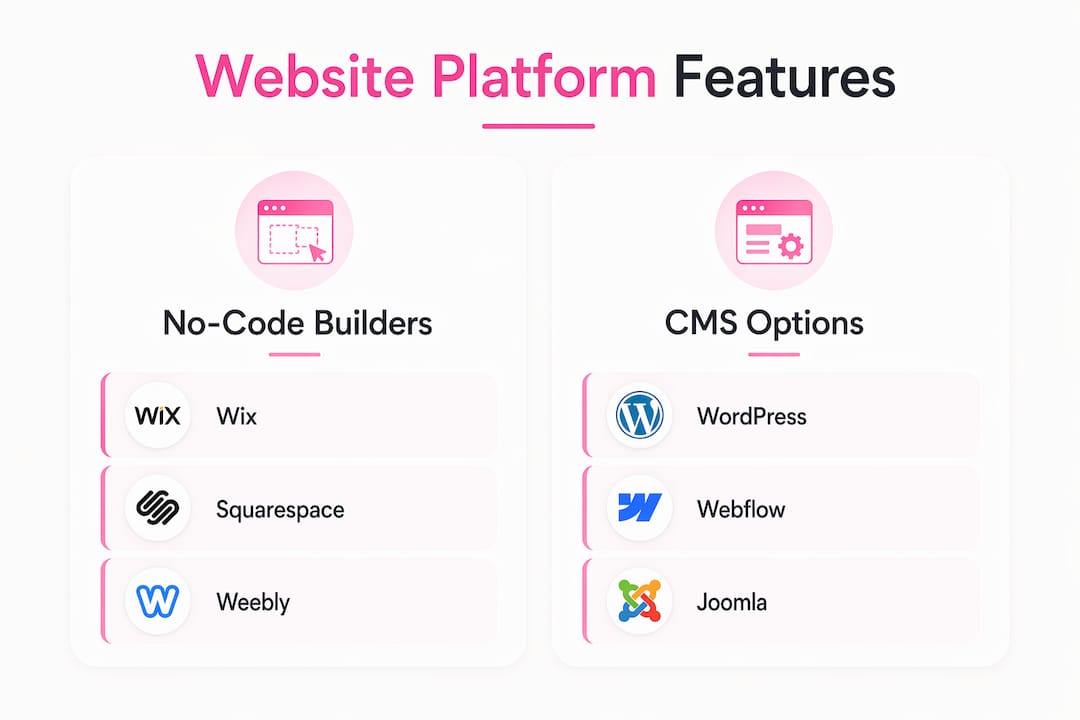
No-code website builders offer drag-and-drop interfaces that let you build and manage professional websites without writing a single line of code. Wix, Squarespace, and WordPress with drag-and-drop plugins like Elementor are the most widely used options for small business owners. Each platform targets a different type of user, so picking the right one upfront saves significant time.
Here is a direct comparison of the leading platforms:
| Platform | Ease of use | Customization | Hosting included | Best for |
|---|---|---|---|---|
| Wix | Very high | Moderate | Yes | Beginners, service businesses |
| Squarespace | High | Moderate | Yes | Creatives, portfolio sites |
| WordPress + Elementor | Moderate | Very high | No (self-hosted) | Growing businesses |
| Microsoft Power Pages | High | Moderate | Yes | Business data pages |
| Vendasta Vibe | Very high | Moderate | Yes | AI-first small businesses |
Wix and Squarespace are the fastest to get started with because hosting is built in and the editors are fully visual. WordPress with Elementor gives you more control over design and functionality, but it requires a separate hosting account and slightly more setup time. Microsoft Power Pages suits businesses that need to display structured data without developer involvement.
Vendasta Vibe uses chat-based no-code development to build and manage branded websites quickly. It pulls your business profile data automatically, which means you spend less time entering basic information and more time on content that actually converts visitors.
- Wix: Best for absolute beginners. Hundreds of templates, a fully visual editor, and built-in SEO tools.
- Squarespace: Best for visual brands. Clean layouts and strong image handling out of the box.
- WordPress + Elementor: Best for businesses that expect to grow. More plugins, more flexibility, more control.
- Vendasta Vibe: Best for AI-first workflows. Chat-based creation reduces setup friction to near zero.
Pro Tip: Before committing to any platform, create a free account and try publishing one test page. The post-publish workflow tells you more about real usability than any feature list.
How to update and maintain your website content without coding
Website builders let you handle day-to-day updates like text edits, image swaps, new pages, and blog posts entirely through a browser interface. No downloads, no code editors, no developer tickets. That shift alone changes how quickly you can keep your site current and competitive.
The core tasks most small business owners need to perform regularly are straightforward:
- Edit text and headlines. Click the text block, type your changes, and save. Every major builder uses a WYSIWYG (what you see is what you get) editor, meaning the page looks exactly the same in the editor as it does live.
- Swap images. Upload a new image from your computer or a stock library directly inside the editor. Replace the old one in two clicks.
- Add or remove pages. Use the page manager panel to create a new page, choose a layout, and publish. No backend access required.
- Schedule posts and announcements. Most builders include a publish date field. Set it, and the content goes live automatically at the right time.
- Update contact details and business hours. These usually live in a global settings panel, so one change updates every page at once.
Content management systems that emphasize workflow-focused design empower non-technical founders to manage websites independently without relying on developers for routine tasks. Kirki, for example, extends WordPress with a customizer interface that keeps complex settings accessible through simple controls.
The most common mistake non-technical owners make is installing too many plugins. Fewer plugins in WordPress result in fewer conflicts and a smoother editing experience. Stick to plugins with active support, high ratings, and a clear single purpose.

Pro Tip: Keep a short checklist of your monthly update tasks: check contact info, refresh one blog post, review your homepage headline. Routine beats reactive every time. Staying on top of regular site updates keeps your site competitive without requiring a full redesign.
How do AI tools simplify website creation and ongoing management?
Microsoft Copilot helps plan, write, and design websites quickly while you retain the key decisions, which reduces technical barriers without removing your creative control. You describe what you need in plain language, and Copilot generates starter layouts, page copy, and even basic structural suggestions. That gets you from a blank screen to a working draft in minutes rather than hours.
AI tools are most useful at specific points in the process:
- Planning your site structure. Ask an AI assistant to suggest a page list based on your business type. A plumber gets different pages than a photographer.
- Writing first-draft copy. Describe your service and target customer, and let the AI generate a homepage headline and intro paragraph. Edit from there rather than starting from scratch.
- Generating image alt text. Paste your image description and ask for an SEO-friendly alt tag. This improves accessibility and search rankings without any technical knowledge.
- Troubleshooting error messages. Copy an error message into an AI chat and ask what it means. You get a plain-language explanation and a suggested fix.
"AI-generated websites still require users to keep control on content, design, and direction to avoid generic results." — Microsoft Copilot guidance
Prompt-driven no-code site management shifts the main risk from breaking code to making vague brand or structure decisions. Define your page requirements clearly before applying AI suggestions, and always review AI output against your actual brand voice before publishing. Generic AI copy is easy to spot and erodes trust with visitors.
When and how to get professional help while managing independently
Some tasks sit outside what no-code tools can handle well. Recognizing those limits early saves you from hours of frustration and prevents accidental damage to a live site.
Tasks that typically require professional help include:
- Custom functionality. Booking systems with complex rules, membership portals, and payment integrations often need developer configuration even on no-code platforms.
- Performance problems. If your site loads slowly, the fix usually involves server settings, image compression pipelines, or code minification. These are not visual editor tasks.
- Security hardening. SSL certificates, firewall rules, and malware scanning require backend access that most no-code editors do not expose.
- Major redesigns. Changing your site's entire layout or navigation structure is faster and safer with professional guidance.
Services like WebAssist manage website updates via WhatsApp with same-day turnarounds, removing the need to learn WordPress or wait days for a developer response. That model works well for business owners who want to stay hands-off on the technical side but still need fast, reliable updates.
When you do hire a developer or agency, communicate in outcomes rather than technical specs. Say "I need visitors to be able to book a 30-minute call directly from my homepage" rather than "I need a calendar API integration." Outcome-focused briefs get better results and cost less to execute. You can also use a website readiness checklist to prepare a clear scope before any professional engagement.
Balancing DIY management with selective professional support is the most cost-effective approach for most small businesses. Handle content and copy yourself. Bring in professionals for performance, security, and custom features.
Key takeaways
Non-technical website management is practical and sustainable when you choose the right platform, build a consistent update routine, and use AI tools to reduce friction rather than replace judgment.
| Point | Details |
|---|---|
| Choose the right platform first | Wix and Squarespace suit beginners; WordPress with Elementor suits growing businesses needing more control. |
| Master the core update tasks | Text edits, image swaps, and page additions are all browser-based and require no coding on major platforms. |
| Use AI as a drafting tool | Microsoft Copilot and Vendasta Vibe speed up creation but require your review to avoid generic output. |
| Limit plugins in WordPress | Fewer plugins mean fewer conflicts and a more stable editing experience for non-technical owners. |
| Know when to hire professionals | Custom features, performance fixes, and security hardening are worth outsourcing to avoid costly mistakes. |
What I have learned from watching small business owners manage their own sites
Most small business owners I have worked with make the same mistake: they pick a platform based on a friend's recommendation rather than their own workflow needs. A photographer friend loves Squarespace, so the plumber signs up for Squarespace. Six months later, the plumber is frustrated because the booking integration they need costs extra and requires a workaround. Platform choice is not a social decision. It is a workflow decision.
The second pattern I see constantly is over-reliance on AI output without editing. AI tools like Microsoft Copilot are genuinely useful for getting from zero to a first draft fast. But the first draft is never the final draft. AI does not know your specific customers, your local market, or the one thing that makes your business different from the competitor two streets over. You do. Use AI to start, then rewrite in your own voice.
The third thing worth saying plainly: do not be afraid of the learning curve. Every platform has a short adjustment period. After two or three editing sessions, the interface becomes familiar and the tasks take minutes rather than hours. The business owners who manage their sites most confidently are not the ones with technical backgrounds. They are the ones who practiced consistently in the first few weeks and built a simple routine.
One practical tip that almost nobody mentions: bookmark your CMS login page and your hosting dashboard separately. Losing access to either one at a critical moment, like right before a product launch, is a real problem. Keep those credentials in a password manager like 1Password or Bitwarden from day one.
— Ville
Verkkosivu builds sites that are easy to manage from day one
Small business owners who want a professional website without the technical complexity have a direct path forward with Verkkosivu. Every site Verkkosivu builds is custom to your brand, loads in under one second, and comes with full support from the first consultation through to launch and beyond.
Verkkosivu has completed more than 100 projects with a perfect 5-star rating on Google, and most sites are delivered within 48 hours. There are no templates, no hidden costs, and no need for you to understand code. If you want a site that performs well in search, looks exactly like your brand, and gives you a clear path to managing your online presence independently, Verkkosivu is the right starting point.
FAQ
Can I really manage a website without any coding skills?
Yes. Modern website builders let you build and maintain a site entirely through a browser with no code required. Platforms like Wix, Squarespace, and WordPress with Elementor are built specifically for non-technical users.
What is the easiest platform for website management for beginners?
Wix is widely considered the easiest starting point because hosting is included, the editor is fully visual, and no setup configuration is required. Squarespace is a close second for businesses that prioritize design quality.
How do I update my website content without breaking anything?
Stick to the visual editor for all text, image, and page changes. Avoid editing theme files or installing untested plugins. Testing your post-publish workflow on a draft page before going live prevents most common errors.
How can AI tools help me manage my site more easily?
AI tools like Microsoft Copilot generate page copy, suggest site structures, and explain error messages in plain language. They reduce the time from idea to published page while keeping you in control of the final output.
When should I hire a professional instead of managing my site myself?
Hire a professional for custom functionality, performance issues, and security configuration. Routine content updates, text changes, and image swaps are tasks any business owner can handle independently with the right platform.