
Website accessibility compliance is the process of making web content usable by people with disabilities according to recognized technical standards and legal requirements. The primary technical framework is the Web Content Accessibility Guidelines (WCAG), published by the W3C Web Accessibility Initiative (WAI). In the U.S., legal obligations flow primarily from the Americans with Disabilities Act (ADA) and Section 508 of the Rehabilitation Act. For business owners and web developers, understanding compliance means knowing which standards apply, what conformance levels are required, and how to verify that your site actually meets them. Getting this right protects your business legally and opens your digital presence to the roughly 1 in 4 American adults who live with some form of disability.
What is website accessibility compliance?
Website accessibility compliance means your web content meets defined technical standards so that people with visual, auditory, motor, or cognitive disabilities can use it effectively. The WCAG 2.2 guidelines define how to make web content accessible across many disability types and devices, though they do not address every possible user need. Think of WCAG as the technical rulebook and the ADA as the legal mandate that points to it.
The key standards and legal frameworks you need to know are:
- WCAG 2.0 (2008): The original widely adopted standard. Still referenced in many older policies and contracts.
- WCAG 2.1 (2018): Added 17 new success criteria covering mobile accessibility, low vision, and cognitive disabilities.
- WCAG 2.2 (2023): The current recommended version. Extends 2.1 with nine additional criteria. Conforming to WCAG 2.2 also satisfies earlier versions due to backward compatibility.
- ADA (Americans with Disabilities Act): A federal civil rights law. The Department of Justice (DOJ) references WCAG and Section 508 as the technical benchmarks for web accessibility compliance.
- Section 508: Applies to federal agencies and organizations receiving federal funding. Requires conformance with WCAG 2.0 Level AA at minimum.
- Title II of the ADA: State and local governments must meet WCAG 2.1 Level AA as a technical standard, with continuing obligations after initial compliance dates.
The critical distinction here is that WCAG is a technical standard while the ADA is a legal requirement. Your site can pass every WCAG checkpoint and still face an ADA complaint if users with disabilities cannot effectively communicate or access your services. The DOJ's ADA web guidance makes clear that organizations must meet nondiscrimination and effective communication requirements, and that WCAG is the recommended path to doing so.
How do WCAG conformance levels define compliance scope?
WCAG organizes its success criteria into three conformance levels, each building on the last. Understanding these levels is the most practical step toward scoping your compliance work.

| Conformance level | What it requires | Typical use case |
|---|---|---|
| Level A | Minimum accessibility. Covers the most basic barriers, such as providing text alternatives for images. | Baseline only. Not sufficient for legal compliance in most contexts. |
| Level AA | Meets all Level A and Level AA success criteria. Covers color contrast, keyboard navigation, captions for live audio, and more. | The standard required for ADA compliance, Section 508, and most regulations. |
| Level AAA | The highest level. Includes all Level A, AA, and AAA criteria. Covers sign language interpretation, extended audio descriptions, and reading level. | Aspirational for most sites. Not required by law but improves access for users with severe disabilities. |
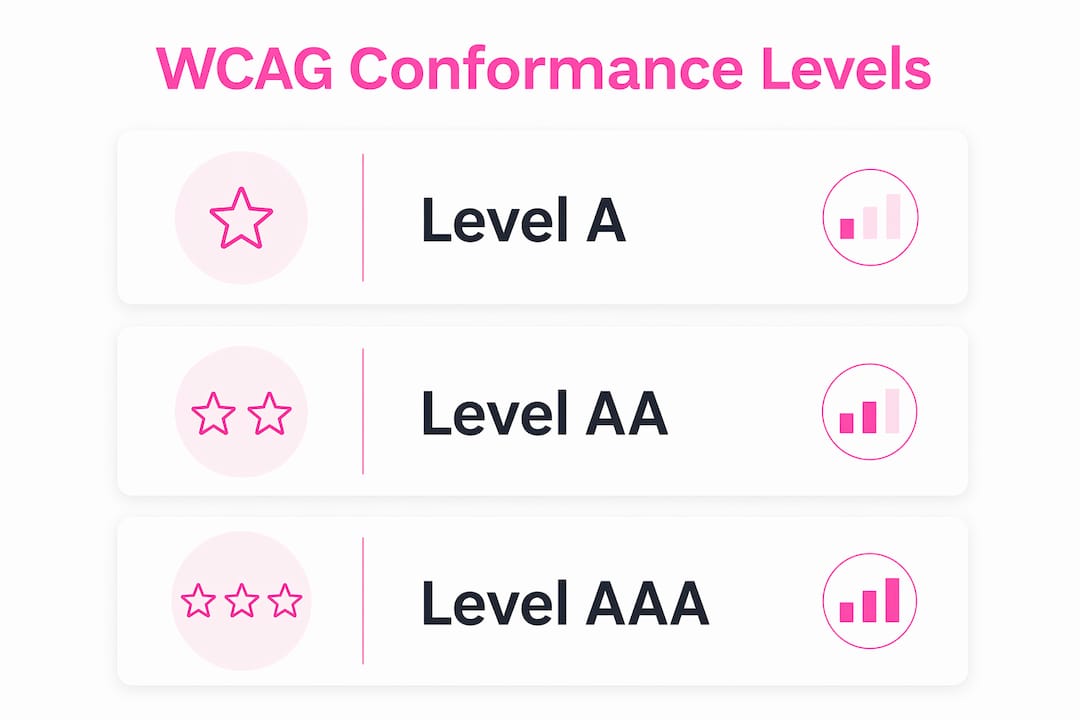
Level AA conformance requires satisfying every Level A and Level AA success criterion, or providing a conforming alternate version of the content. Partial fixes do not count. A site that passes 90% of Level AA criteria is not compliant. This is where many teams fall short: they address the most visible issues and assume they are done.
WCAG 2.2 adds nine new success criteria at Levels A and AA, including requirements around focus appearance, dragging movements, and accessible authentication. If your current policy references WCAG 2.1, you are not automatically out of compliance, but updating to WCAG 2.2 is the recommended path for future-proofing your site.
Pro Tip: When writing vendor contracts or procurement specifications, always name the exact WCAG version and conformance level required. "WCAG 2.2 Level AA" is a precise, testable requirement. "Accessible website" is not.
What practical steps help achieve and verify compliance?
Achieving compliance for web accessibility is not a single audit. It is a structured process that combines automated scanning, manual review, and real-world testing with assistive technologies. Here is a practical workflow:
- Run an automated scan. Tools like Axe, WAVE, or Lighthouse identify roughly 30 to 40 percent of WCAG failures automatically. Use these results as a starting point, not a finish line.
- Conduct keyboard navigation testing. Tab through every page without a mouse. Every interactive element, including forms, modals, and dropdown menus, must be reachable and operable via keyboard alone.
- Test with screen readers. Use NVDA or JAWS on Windows, or VoiceOver on macOS and iOS, to simulate how blind users experience your content. Pay close attention to form labels, error messages, and dynamic content updates.
- Check color contrast ratios. WCAG 2.2 Level AA requires a contrast ratio of at least 4.5:1 for normal text and 3:1 for large text. Tools like the WebAIM Contrast Checker make this fast.
- Review multimedia content. Videos need accurate captions. Audio content needs transcripts. Pre-recorded video needs audio descriptions if the visual content conveys information not in the audio track.
- Audit complex content manually. Data tables, PDFs, and custom JavaScript widgets often require manual review. Automated tools frequently miss these.
- Document your conformance claim. Publish an Accessibility Statement on your site that names the WCAG version and level you target, lists known issues, and provides a contact method for users who encounter barriers.
The DOJ warns explicitly that a clean automated report does not guarantee full accessibility. False negatives are common. A page can pass every automated check and still be unusable for a screen reader user if the reading order is illogical or form fields lack proper labels.
One area that deserves specific attention is accessibility overlays. These are JavaScript widgets that claim to fix accessibility issues automatically. They do not replace genuine remediation. Accessibility audits require keyboard navigation tests, screen-reader walkthroughs, and manual checks that no overlay can replicate. Overlays can introduce new barriers and have been named in multiple ADA lawsuits as insufficient compliance measures.
Pro Tip: Build accessibility into your design system from the start. Retrofitting an inaccessible site costs significantly more in developer time than designing with WCAG criteria in mind from the first wireframe.
Why is ongoing compliance and accessibility maintenance essential?
Compliance is not a project with a completion date. It is an ongoing obligation. Several factors make continuous maintenance necessary:
- Content changes introduce new barriers. Every time a developer adds a new page, a marketer uploads a PDF, or a designer changes a color scheme, new accessibility issues can appear. A one-time audit becomes outdated quickly.
- WCAG versions update. W3C advises using the most current WCAG version when developing or updating policies. Organizations that built to WCAG 2.0 in 2015 now face a gap against the 2.2 standard.
- Legal requirements evolve. The DOJ's Title II rule for state and local governments includes continuing obligations after initial compliance dates. Private sector obligations under Title III of the ADA are similarly ongoing.
- Procurement and vendor management matter. Third-party tools, plugins, and embedded content must also meet your accessibility standard. Specifying the required WCAG version in vendor contracts is a direct compliance requirement, not a nice-to-have.
- Non-compliance carries real consequences. ADA web accessibility lawsuits in the U.S. have numbered in the thousands annually. Beyond litigation, inaccessible sites exclude a significant portion of potential customers and damage brand reputation.
The importance of web accessibility extends beyond legal risk. Accessible sites perform better in search engines because the same practices that help screen readers, such as descriptive alt text, logical heading structure, and clean HTML, also help search engine crawlers. You can review a website readiness checklist to see how accessibility fits into broader site quality standards.
Key takeaways
Website accessibility compliance requires meeting WCAG 2.2 Level AA criteria through a combination of technical implementation, structured testing, and continuous maintenance.
| Point | Details |
|---|---|
| WCAG 2.2 is the current standard | Conforming to WCAG 2.2 Level AA satisfies earlier versions and meets ADA and Section 508 benchmarks. |
| Level AA is the legal threshold | Partial fixes do not constitute compliance; all Level A and AA success criteria must be fully met. |
| Automated tools are insufficient alone | Combine automated scans with keyboard testing, screen reader walkthroughs, and manual content review. |
| Compliance is continuous | Content updates, vendor changes, and evolving regulations require ongoing accessibility monitoring. |
| Overlays are not a solution | JavaScript accessibility widgets do not replace genuine remediation and have been cited in ADA lawsuits. |
Accessibility compliance is a design decision, not a legal checkbox
I have reviewed dozens of web projects where accessibility was treated as a final audit item, something to check before launch. That approach almost always produces the same result: a long remediation list, a delayed launch, and a site that still has gaps. The teams that get this right treat WCAG criteria the way they treat responsive design. It is part of the build, not a review at the end.
The other misconception I see constantly is that an automated accessibility score equals compliance. A Lighthouse score of 100 on accessibility is a good signal, but it does not mean your site is compliant. I have seen sites with perfect automated scores that were completely unusable with a screen reader because the focus order was wrong or form error messages were not announced to assistive technology. The DOJ's own guidance makes this point directly, and it is worth taking seriously.
What actually works is building a small, repeatable testing protocol into your development workflow. Keyboard testing takes ten minutes per page. A quick NVDA pass on your most critical user flows takes another fifteen. That investment, done consistently, catches the issues that matter most to real users. You can also look at how website approval workflows can be structured to include accessibility checkpoints without slowing down delivery.
Accessibility is also a business opportunity that most competitors are ignoring. A site that works for users with low vision, motor impairments, or cognitive disabilities works better for everyone. Captions help users in noisy environments. High contrast helps users in bright sunlight. Keyboard navigation helps power users who prefer not to use a mouse. The overlap between accessibility best practices and general usability is not a coincidence.
— Ville
Build an accessible, high-performance website with Verkkosivu

Accessibility compliance and site performance are not separate goals. They reinforce each other. Verkkosivu builds custom websites that load in under one second, follow WCAG best practices from the first line of code, and are tailored to your specific business needs without templates. Every project includes SEO optimization, structured HTML, and the kind of clean architecture that supports both search engine visibility and assistive technology compatibility. With over 100 successful projects and a perfect 5-star rating on Google, Verkkosivu delivers compliant, customer-winning sites, often within 48 hours. Contact Verkkosivu today to discuss your accessibility requirements and get a site built right from the start.
FAQ
What is WCAG and why does it matter for compliance?
WCAG stands for Web Content Accessibility Guidelines, published by the W3C WAI. It is the primary technical standard referenced by the ADA, Section 508, and most global accessibility regulations, making it the practical foundation for any compliance effort.
Which WCAG level is required for ADA compliance?
Level AA is the standard required for ADA compliance and most legal frameworks. Meeting Level AA means satisfying all Level A and Level AA success criteria, not just a subset of them.
Can automated tools confirm my site is accessible?
No. The DOJ recommends pairing automated tools with manual testing because automated scans identify only a portion of WCAG failures and produce both false positives and false negatives.
Do accessibility overlays make a site compliant?
No. Accessibility overlays are JavaScript widgets that do not replace genuine code-level remediation. They have been cited in ADA lawsuits as insufficient and can introduce new barriers for assistive technology users.
How often should I audit my site for accessibility?
Accessibility audits should be part of your regular development cycle, not a one-time event. Any significant content update, redesign, or third-party tool integration warrants a fresh review against your target WCAG version and conformance level.